
Old Sea Wall – Queensferry
A long exposure image from the beach at Queensferry, Western Port Bay.
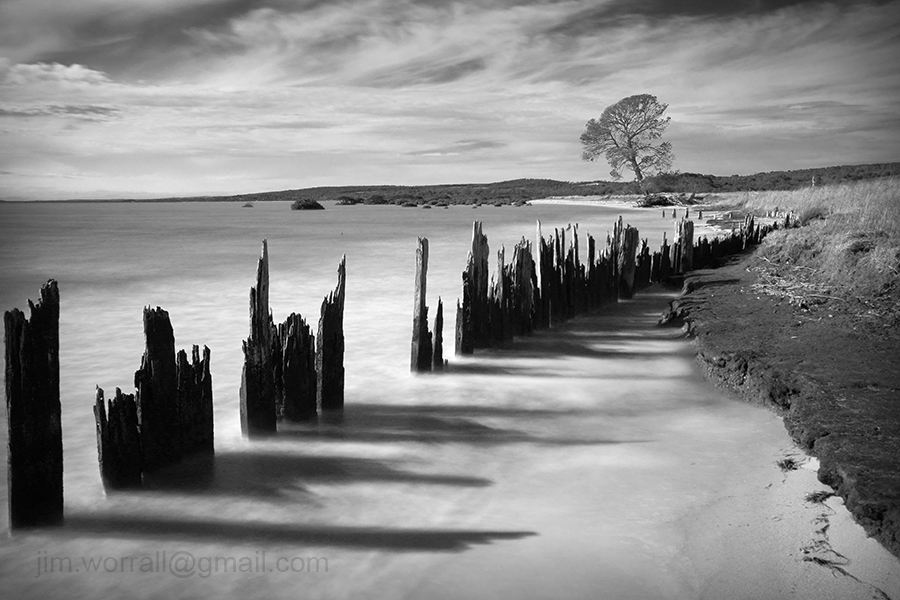
Flinders – Front and back beach long exposures
Following are a series of long exposure images from the front and back beaches of Flinders on Victoria’s Mornington Peninsula.

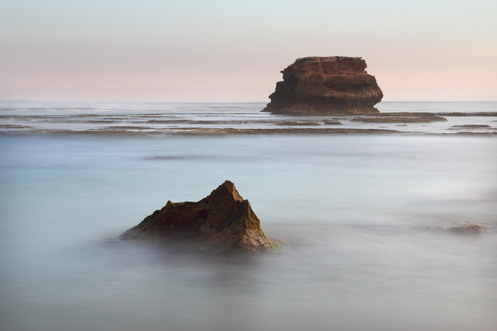
Pictured above – Flinders. 137 seconds f/13 ISO100.

Pictured above – Flinders back beach. 102 seconds f/20 ISO100.
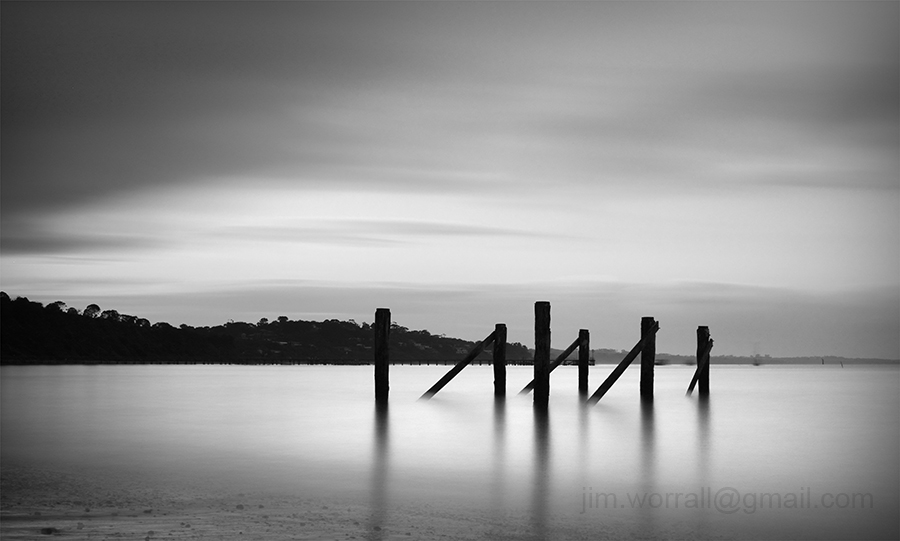
Pictured above – Flinders beach. 141 seconds f/13 ISO100.

Pictured above – A Break from Fishing. Cormorants resting after diving for fish at Flinders back beach. 61 seconds f/11 iso100.

Pictued above – Flinders back beach. 56 seconds f/13 ISO100.


Rye Back Beach – long exposures
Following are some images from my recent long exposure Facebook group excursion to Rye back beach. It was a great turn out considering a pre-dawn meetup in the middle of winter isn’t everyone’s cup of tea. 🙂
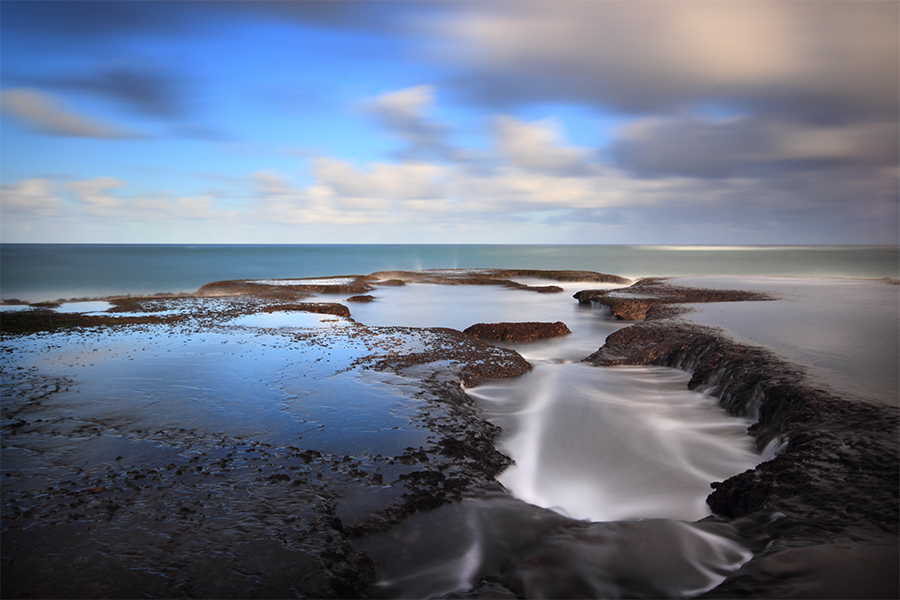


Following are a couple of images from under the London Bridge rock formation, Portsea, using my phone camera. My mate steadys himself ready to take some shots of the turbulent sea.


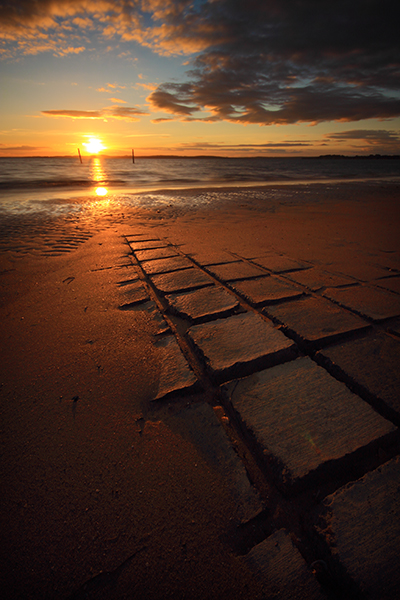

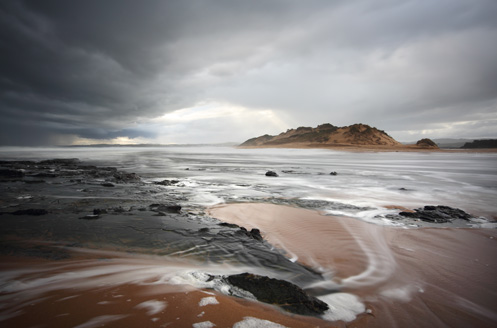
Island in the Mist – Mouth of the Powlett River
A daylight long exposure image from the mouth of the Powlett River, Victoria, Australia.

Death of the 60D
This is a commemorative post marking the drowning of my Canon 60D at Portsea beach last month. An outgoing wave pulled the sand out from under one of the legs of my tripod causing the whole rig to topple into the surf. The poor 60D was only 12 months old and was a replacement for my 40D which drowned in similar circumstances in early 2012. The event also marks the death of my Sigma 10-20mm, a true workhorse who managed to survive the first drowning in 2012.


The Glow of Last Light – Sorrento
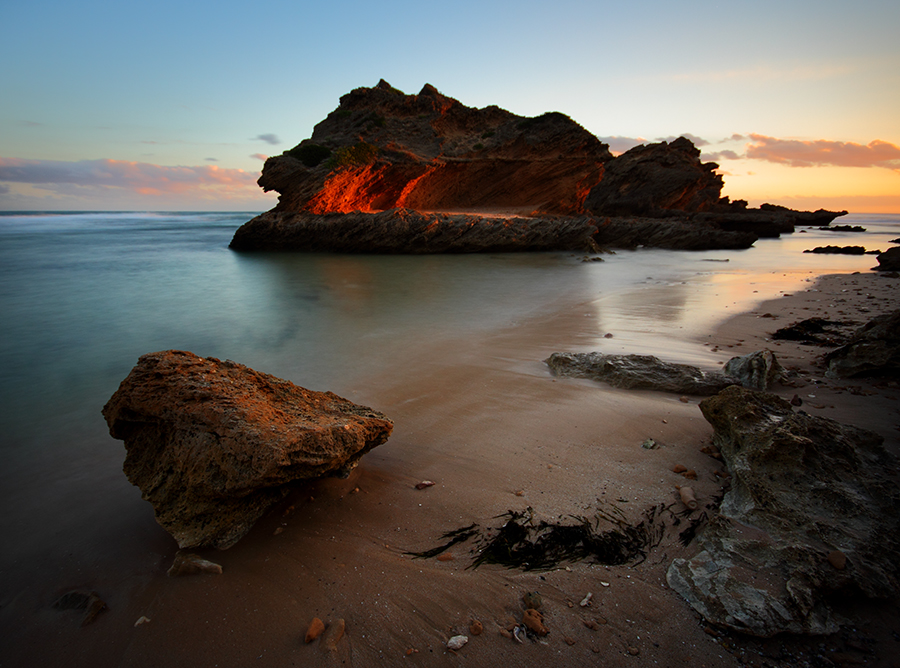
A long exposure image from Sorrento back beach, Victoria, Australia. The last rays of the day create a warm glow on the back of the Sphinx rock formation.


Seaford pier – Up before the dawn
Images from a pre-dawn trip to Seaford pier with friends from the ND400 Long Exposure group on Facebook. We arrived in the pitch black of early morning, ….a VERY unusual time for me, ….and waited for the sun to rise.

As the sun slowly rose behind us pastel colours appeared in the sky.

A long exposure image from under Seaford pier.

The morning was finished nicely with a civilized hot breakfast at the pier cafe. 🙂
Koonya beach – Blairgowrie
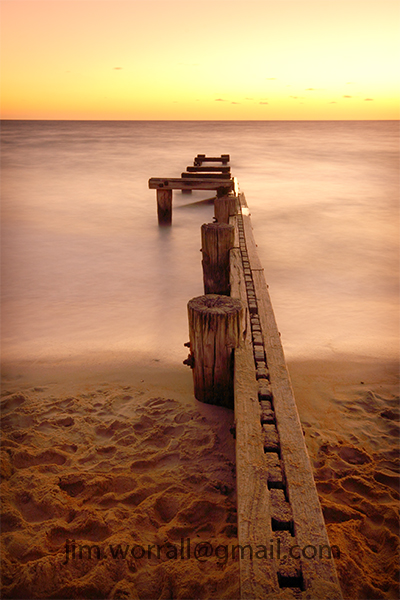
The beautiful Koonya beach at Blairgowrie. A favorite spot of mine to sit and watch nature at it’s best.



Return to Mentone Groyne
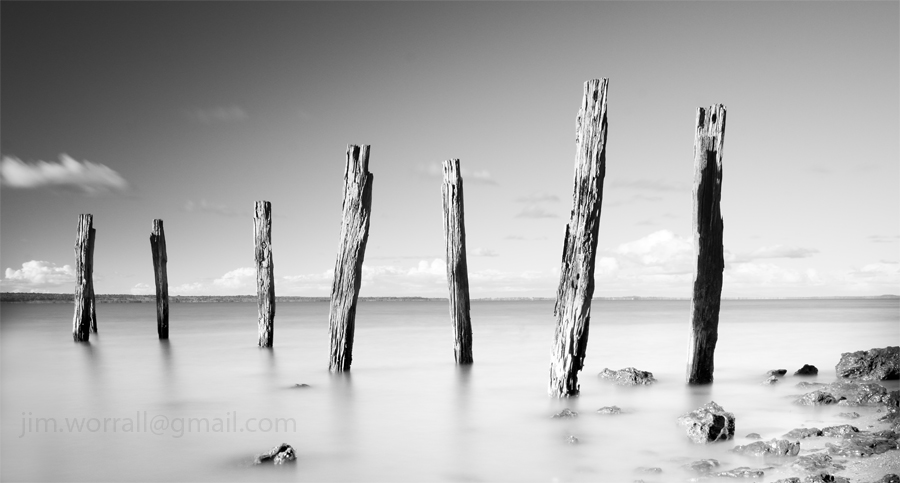
A couple of long exposure images from the groyne on the beach at Mentone near the pub.


Tenby Point – West Jetty
A long exposure image at high tide from the picturesque shores of Tenby Point on Western Port Bay, Australia.
Signal – Ricketts Point
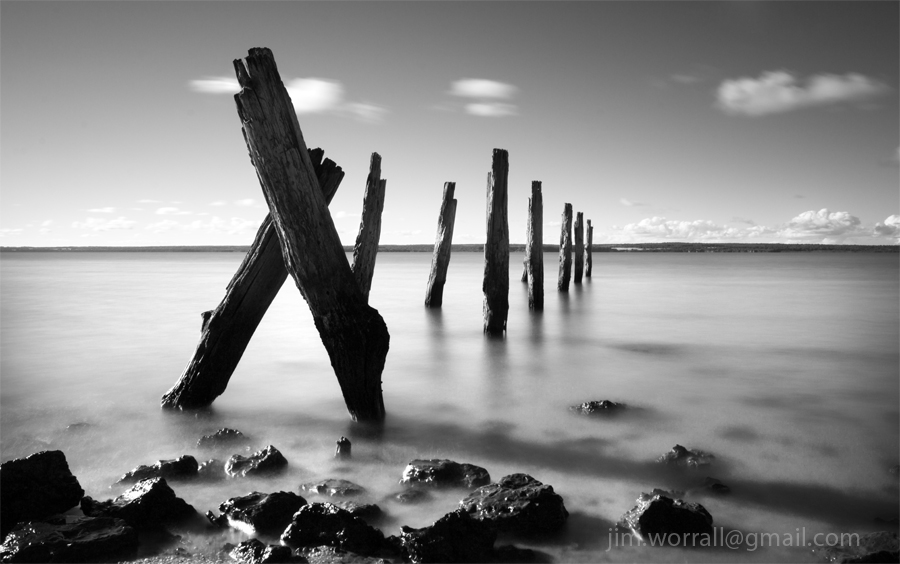
A marker on the outermost edge of the rock shelf at Ricketts Point beach in Port Phillip Bay, Victoria, Australia.
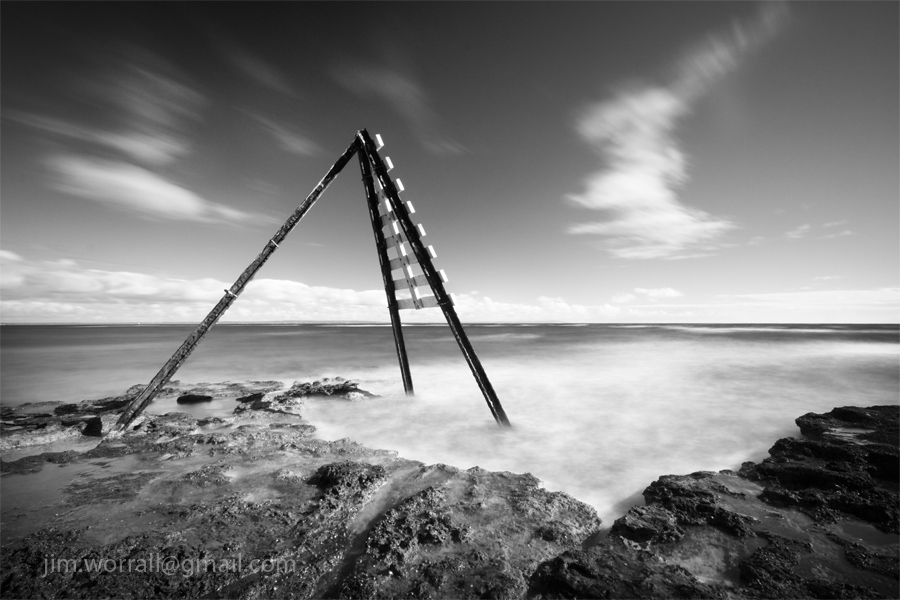
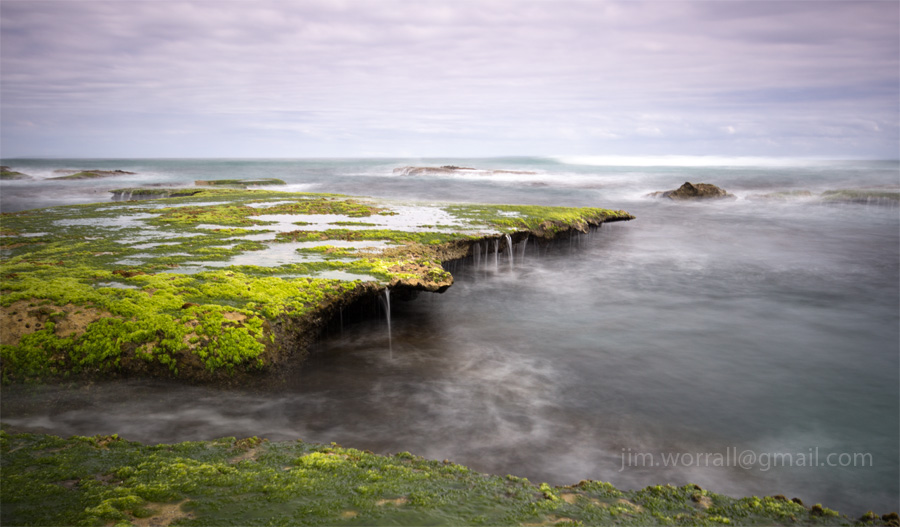
At the Edge of the Ocean
November is a great time of year on the Mornington Peninsula back beaches. The warming water signals an explosion of bright green seaweed on the rocky plateaus all along the coast.



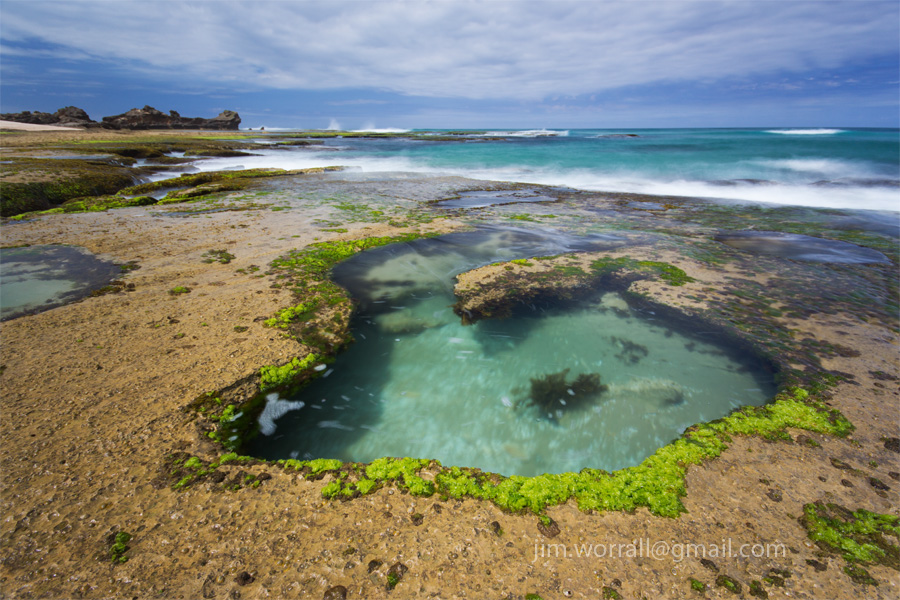
Rock pools at the back beach – Sorrento
Following are a couple of shots of the beautiful rock pools available to explore at Sorrento back beach during low tide. In these images I’ve used an ND400 filter to smooth the background waves and a polarizing filter to remove the sky’s reflection from the surface of the pools.
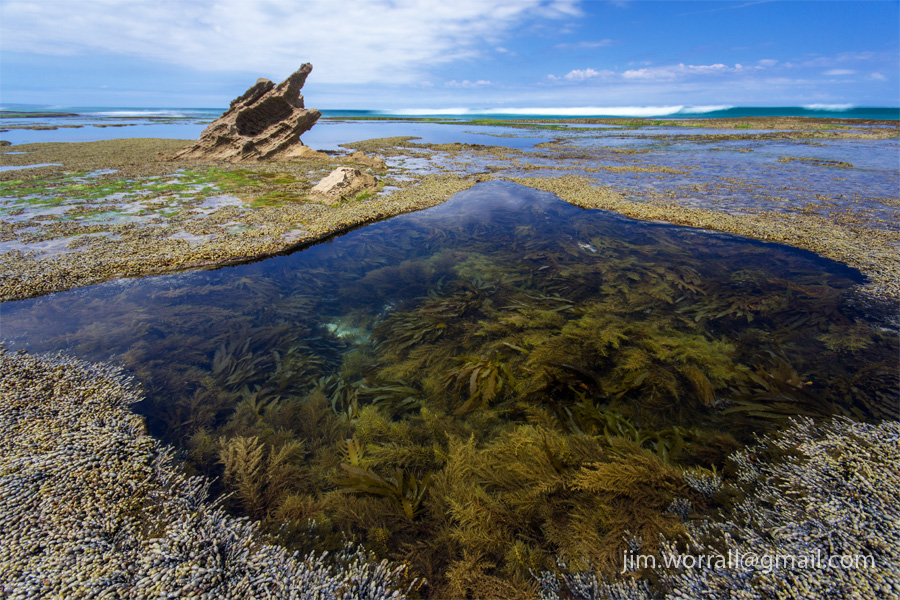

A Morning at Sorrento back beach
Firstly just a quick note to let you know that I’ve updated the blog to give it a whole new look and most importantly it will now allow me to display larger images on the page. Screen sizes and resolutions have changed dramatically since I first started the blog several years ago. I’m sure you’ll agree that larger images is a step in the right direction.
The following images are from a morning trip down to Sorrento on the Mornington Peninsula.
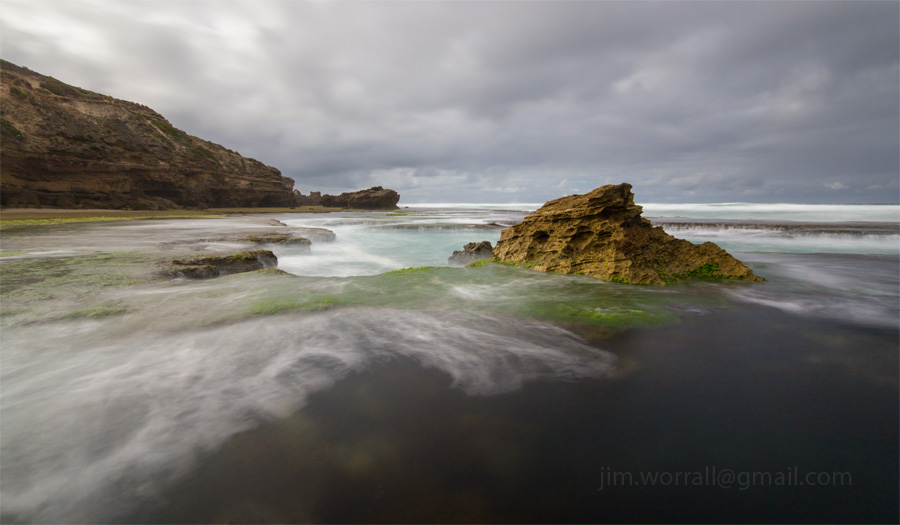

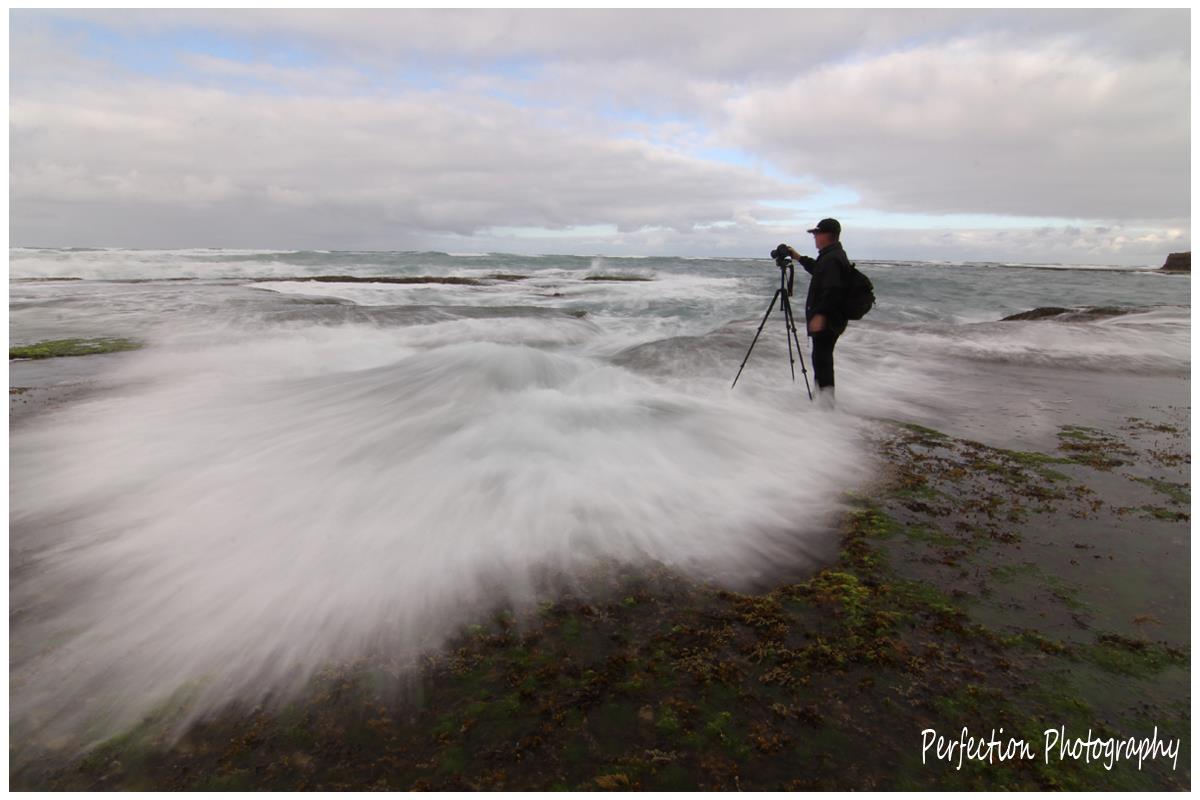
Now for some fun shots. The two images below were taken by my friend Stephen. He managed to catch a couple of golden moments in time where the waves got the better of me.


Cat Bay and Ventnor, Phillip Island long exposures
It was a fine day with fluffy white clouds scooting along on the breeze. It didn’t take long for me to convince myself to go down along the coast and play with some dark ND filters.
Below – The old jetty remnants at Cat Bay, Phillip Island.

Below – The old jetty remants at Cat Bay, Phillip Island.

Below – Summerlands beach, Phillip Island. I was lucky to catch this one with no footprints near it since this is a popular stretch of beach for the locals to wander on.

Below – Red Rocks beach, Ventnor, Phillip Island.

Below – Red Rocks beach, Ventnor, Phillip Island.

Below – Red Rocks beach, Ventnor, Phillip Island.

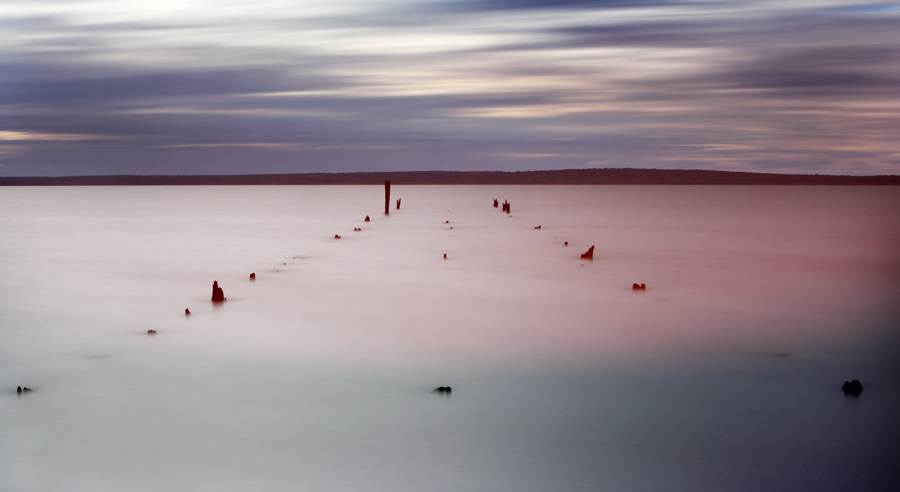
Below – Some old jetty remnants at Grantville beach, shot at dusk on the way home.
How to use the ND400 for daytime long exposure photography
**Updated 30th Aug 2014 to emphasize the importance of blocking the viewfinder eyepiece**
The Aim of this Guide
———————-
I’ve written this guide to answer the most common questions that I receive regarding my NDX400 / ND400 long exposure photography.
This guide serves as a quick introduction to daytime long exposure photography for those who have never attempted it before. My aim is to explain the methods that I use with the intention of getting you shooting as quickly and simply as possible.
This is NOT designed as an in-depth technical guide. There are other guides on the internet that delve into all the maths and physics involved.
I will be adding to this page, or making corrections, from time to time as the need arises.

————————-
What equipment do I need?
————————-
– A camera –
Any DSLR camera will do the job nicely. An entry level DSLR is fine.
There are even a few compact cameras which are suitable. If your compact camera is tripod mountable, allows you to take control of ISO, aperture and shutter speed, and is capable of having filters attached then you can use that.
– A tripod –
You need to be able to keep the camera completely motionless during a long exposure. A tripod is by far the most convenient way to achieve this.
– ND filters –
You will need the following – 1 x Hoya NDX400 (or another manufacturers equivalent)
and 1 x Hoya ND8 (or another manufacturers equivalent)
The ND8 is used in conjunction with the NDX400 to give you more flexibility on bright sunny days.
These ND filters screw onto the end of the lens. They have threads on both the front and rear sides so it’s possible to have more than one filter screwed onto the lens at any given time.
There are alternative filter systems available whereby you slide a filter into a holder mounted on the front of the lens but I wont be discussing those here because I don’t use them.
I recommend that you avoid using (or buying) variable ND filters since they create unwelcome artifacts at the dark end of the range. Don’t waste your money on one of these if you intend to use it at the dark end.
– A remote shutter release – (optional)
If you only want to create exposures no longer than 30 seconds then a remote shutter release is an optional piece of gear. A remote shutter release only becomes necessary if you want to make exposures longer than 30 seconds.

—————————————————
How do I compose the image through this black glass?
—————————————————
With an NDX400 filter on the end of your lens the first thing you’ll notice when you look through the camera’s viewfinder is extreme darkness. Even in daylight it can be difficult to see much more than silhouettes.
The easy way to get around this problem is to use the camera’s “live view” mode and compose your scene using the LCD on the back of your camera. Live view allows you to see straight through the filter.
As an alternative, if you like to do things the more fiddly way you can compose your image using the viewfinder with the filter off, then screw it on when you’re ready to take the shot. The disadvantage of this method is that you are removing and then refitting the filter for each new composition. That means that you’re MUCH more likely to accidentally drop your filter.
—————————————————–
How can I get the camera to focus through black glass?
—————————————————–
In real world daylight conditions, when using live view, I find that my camera is able to focus correctly in most situations with the NDX400 screwed onto the lens. Focusing can become a bit more troublesome when both the NDX400 and ND8 are on. Your results may vary of course depending on the model of camera you have.
If your camera is having trouble focusing you can remove one or more of the filters then do a half press of the shutter button. When the focus locks onto the subject you can then switch the lens to manual focus (MF) and refit the filter/s. The focus now shouldn’t move unless you accidentally handle the lens and move the focus ring.
Precise focusing is not so critical when doing long exposures if you’re using a wide angle lens. The combination of a wide angle lens and a small aperture (high aperture number) give you an image with great depth of field. This means that both near and far objects are in focus. Precise focusing DOES however become critical when you’re using a telephoto lens since the depth of field is now inherently much narrower compared to using a wide angle lens at the same aperture setting.
In the real world if I’m shooting seascapes with my 10-20mm lens I generally don’t care where it’s focusing because the depth of field is enormous at high aperture numbers. Conversely if I’m using my 70-200mm then I become very fussy about getting the focus correct.
——————————————–
How do I set up my camera for long exposures?
——————————————–
(The following procedure applies to exposures of 30 seconds or less.)
**Please note that it’s very important to block the viewfinder eyepiece to prevent light from leaking into your camera.**
1 – Screw the NDX400 onto the front of your lens.
2 – Select “2 second self timer” as your camera’s drive mode.
3 – Select your camera’s lowest ISO number. This will usually be 100 or perhaps 50 if you’re lucky.

4 – Put your camera into aperture priority mode and set your aperture to f/11 as a starting point.


5 – Select “live view mode” if your camera has it.

6 – With your scene composed the way you want it, half press the shutter button.
The camera should focus and calculate the exposure time for you.
If the camera doesn’t focus see the section above titled “How do I get the camera to focus through black glass?”
During the “half press” the exposure time should now be displayed somewhere on the camera’s LCD screen.
If you want to make the exposure time longer you can do this by increasing the aperture number.
If you want to make the exposure time shorter you can decrease the aperture number.
An alternative to cranking your aperture number up really high is to screw the ND8 filter onto the NDX400 which should already be mounted on the front of your lens.
7 – When you’re happy with the exposure time, complete a full press of the shutter button.
The camera should start the exposure in two seconds. That gives you time to get your hands off the camera and your body away from the tripod. The objective here is to disturb the camera as little as possible during the long exposure.
———————————————————————
What do I do if I don’t have “live view” mode available on my camera?
———————————————————————
You can use a similar procedure to the one described above with the exception that during the “half press” you will need to cover the viewfinder eyepiece to prevent light from entering.
If you do not cover the viewfinder eyepiece satisfactorily then light will enter the camera via the eyepiece during the “half press” and upset the camera’s exposure calculations. This will result in either black or very dark images.
——————————————————————–
Troubleshooting – Why do my long exposure images look blurry or soft?
————————————————————-
Usually the problem is caused by movement of the camera or tripod during the long exposure.
If you’re in a windy environment such as an ocean beach, a howling wind can cause the tripod to vibrate and blur your images. In this case you need to find a way to dampen the vibration. In circumstances like this I usually hold onto the tripod during the exposure and use my weight to press down and dampen the vibrations as much as possible.
Always avoid having the neck of the tripod extended during strong winds as it makes the camera very susceptible to the wind.
On the subject of beaches, when you place your tripod on sand always push down as hard as you can to bed the tripod feet firmly. If you rest the tripod softly on the sand there’s every chance that it will slowly shift during your long exposure. This is particularly true at the water’s edge with waves lapping around the tripod feet.
Something else to be aware of is that smaller apertures (high aperture numbers) can make your images look slightly soft. I would encourage you to test your particular lens and camera combination to see how noticeable (or not noticeable) it is. Take a shot at say f/22 and another at f/11 and compare them to see if it’s a deal breaker for you.
———————————————–
Troubleshooting – Why do my long exposure images look too dark?
————————————————
This is one of the most common questions I’m asked. If you’re shooting in any mode other than manual then chances are that the camera’s exposure system is being effected by unwanted light entering via the viewfinder eyepiece. Ordinarily this light would be negligible compared to the amount of light coming in through the front lens. When you put a very dark filter on the front lens this stray light coming in through the eyepiece becomes significant and has a major effect on the camera’s ability to calculate correct exposure.
————————————————
Troubleshooting – Why do my long exposure images have discoloured areas, bands, stripes or smears?
————————————————
The most common cause of such problems is light leaking into the camera through an uncovered eyepiece. Ensure that your camera’s eyepiece is adequately covered during long exposures to prevent leaks.
————————————————
Troubleshooting – Why do my long exposure images have some tiny brightly coloured dots?
————————————————
These bright coloured dots are often referred to as “hot pixels” or “stuck pixels”.
This is usually a temporary condition and the number of “hot pixels” tends to increase as the camera’s image sensor heats up. This can be a real problem if you have “live view” turned on for extended periods of time, particularly on warm or hot days. It’s a good idea to only have live view turned on immediately prior to taking your long exposure. The goal is to keep image sensor heating to a minimum.
Balnarring Beach Groynes
The groynes at Balnarring Beach serve to reduce erosion at the water’s edge. Most of the groynes are simply a line of posts connected together by planks creating a straight sea wall.
I was struggling to find something interesting on the beach then stumbled across this baby zig-zagging out into the bay.

Below – The usual straight groyne.

Below – The making of Zig Zag.

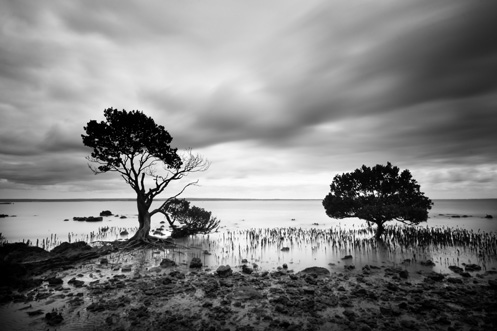
Tenby Point – The Jetty and the Mangroves
We had arrived just in time. The high tide was starting to recede giving us easy access to the beach yet there was still enough water covering the base of the jetty posts.
If you arrive at this destination at the wrong time you’ll find sticks in mud.
Below – Two images of the Tenby Point jetty remnants.


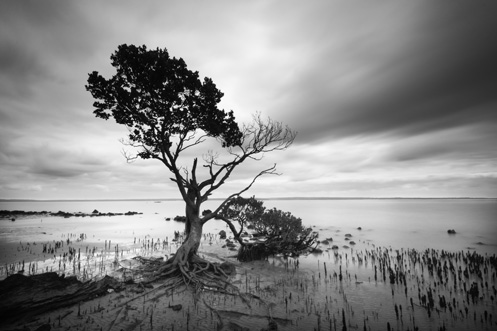
Pictured below – On the way back to the car park the water had receded enough to reveal the tangled root system on this Tenby Point icon.
Rye back beach – The Dragon’s Head and the Pod
A few images of the rock formations at the Number Sixteen beach at Rye.
Pictured below – The Dragon’s Head rock, initially named by a local with a fertile imagination.
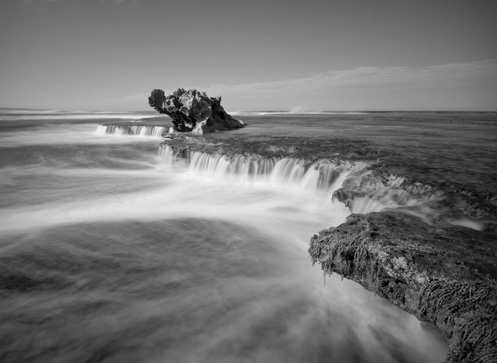
Below – The Pod, ….well I had to call it something since all of the good names like Dragon’s Head had already been snapped up.

Below – Water flows off the rocky plateaus returning to the ocean.
Click to enlarge.

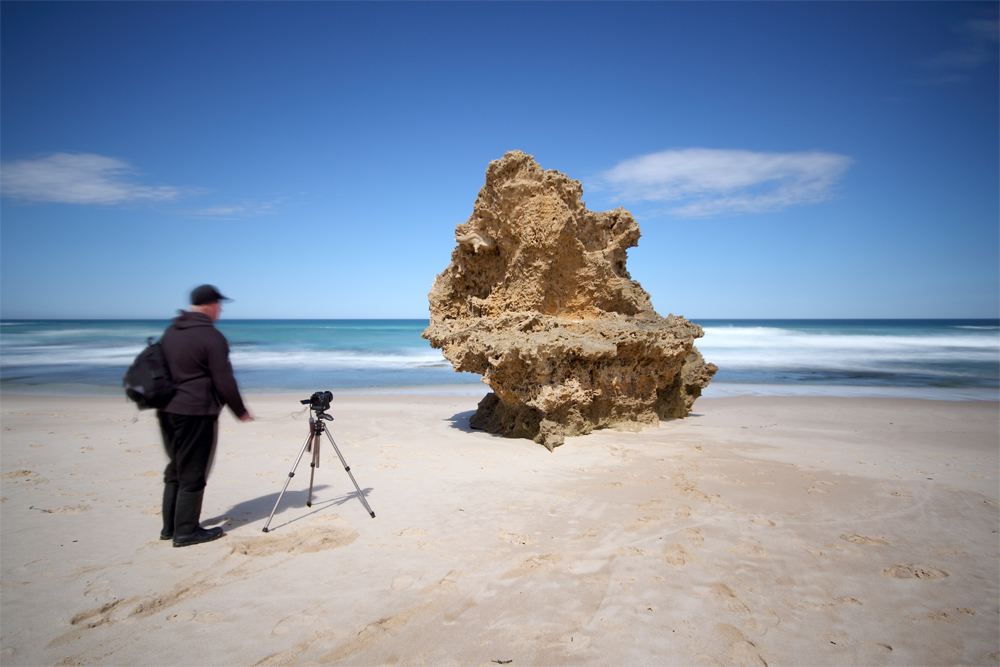
Below – A couple of images of my friend lining up his gear for the money shots.

Sorrento – A Mornington Peninsula Jewel
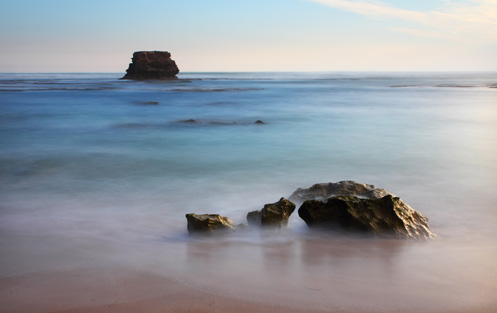
Some afternoon long exposure images from Sorrento back beach on the Mornington Peninsula, Australia. The foreground rocks are submerged at high tide and are gradually revealed as the tide goes out. A long exposure time is used to smooth out the ocean waves into a mist.

The Pinnacles Facebook Excursion – Phillip Island
In mid July I tried something new. I arranged a photography excursion to the Pinnacles at Phillip Island and posted the idea on Facebook as a public event. By August 4th, the day of the excursion, there were 16 people confirmed as going and a few more “maybes”.

I had a realistic expectation that perhaps half of those who had confirmed would actually show up on the day. Imagine my surprise when all who had confirmed actually DID show up at the meeting place.
It was the start of a wonderful excursion with like-minded people, most of whom I had never actually met before and I only knew via Facebook.

We couldn’t have asked for a better day in the middle of a Melbourne winter. Both the weather and tides worked in our favour and all of the participants seemed to come away from the day pleased with the experience.

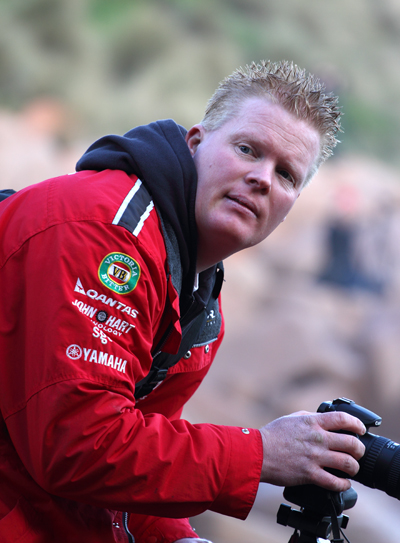
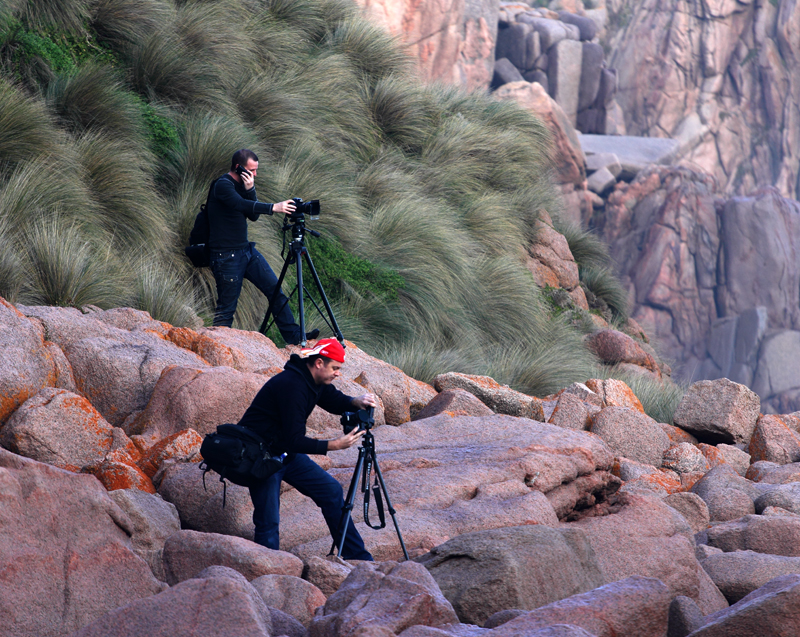
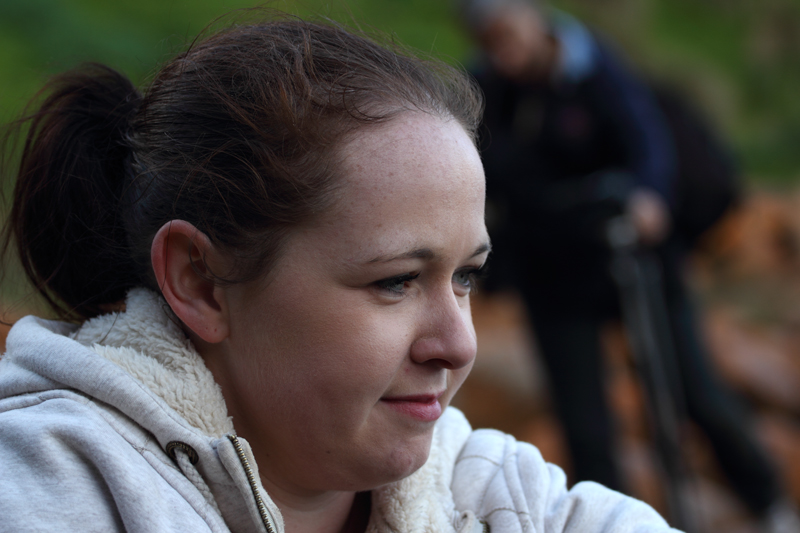
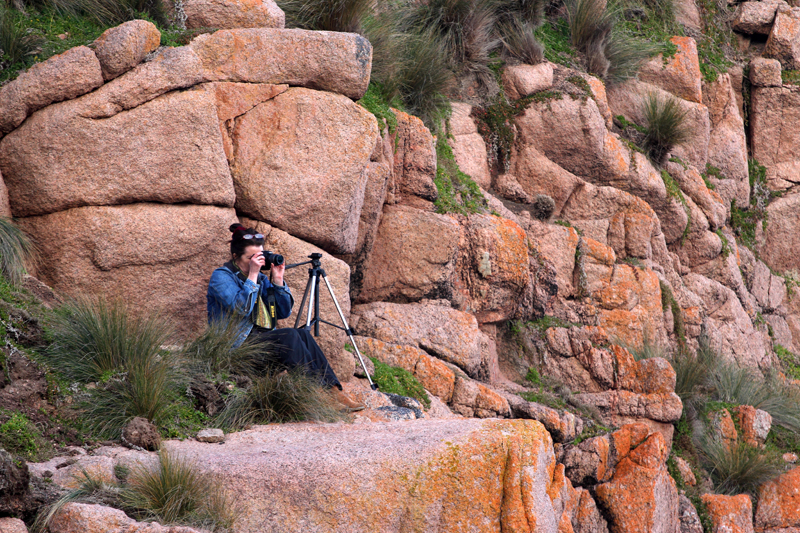
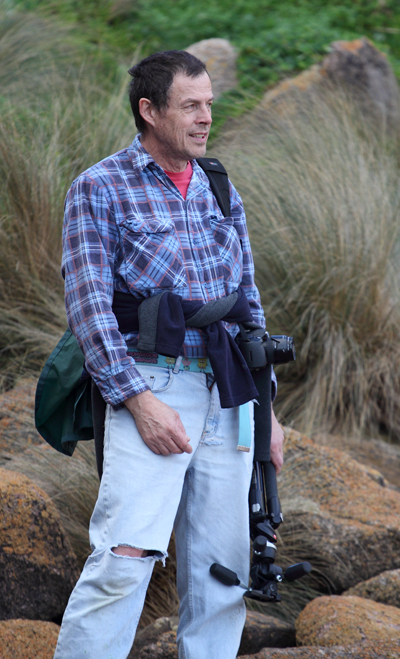
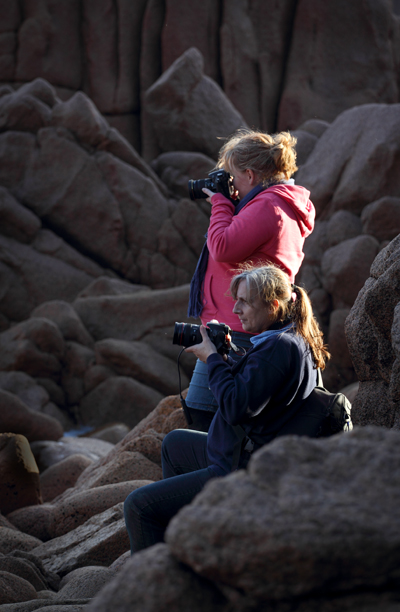
Following are snapshots of some of the participants enjoying the day at the Pinnacles beach. If you have a Facebook account you can view more images from the event here.



 </a
</a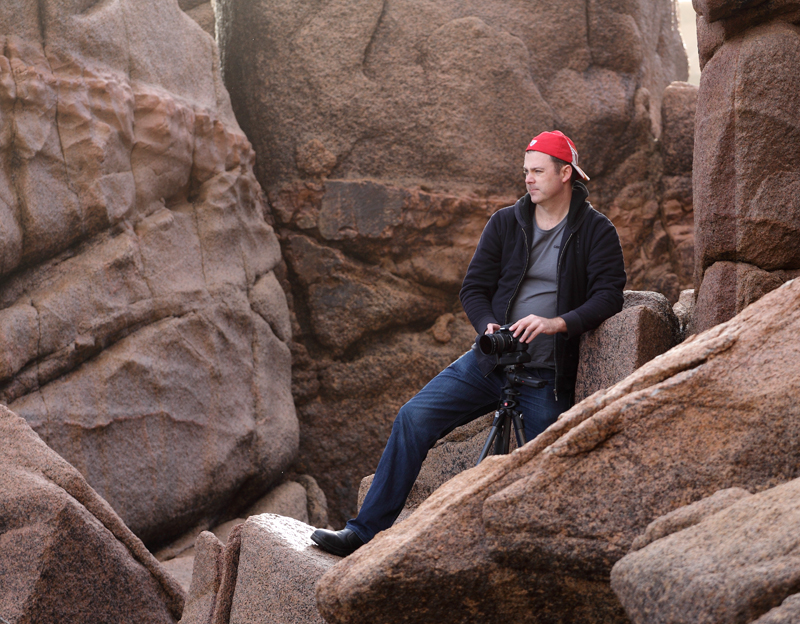 >
>




Storm at Powlett River
On the way back home from a recent excursion to Cape Liptrap we stopped off at the mouth of the Powlett River.
I had just enough time to catch this image before the rain started to pour down hard.

 Photography by Jim Worrall